

Prompts
AI website prompts with live demos
Copy a prompt, paste it into your AI coding tool, and get a working page. Every prompt comes with a live demo you can try and the full source code.
- Free to copy
- Live demo for every prompt
- Source code on GitHub
All prompts
How it works
From prompt to a working page in a few minutes.
- 1Try the live demo
Open the demo on desktop, tablet and phone sizes and check the animations before you start.
- 2Copy the prompt
One click copies the full prompt. It is free, no sign-up needed.
- 3Run it in your AI tool
Paste it into Antigravity, Cursor, Claude Code or a similar tool. Each prompt lists the tool and model it was tested with.
- 4Compare with the source code
Get the GitHub repository by email to compare, fix details, or deploy the finished version.
Why these prompts
Tested, not theoretical
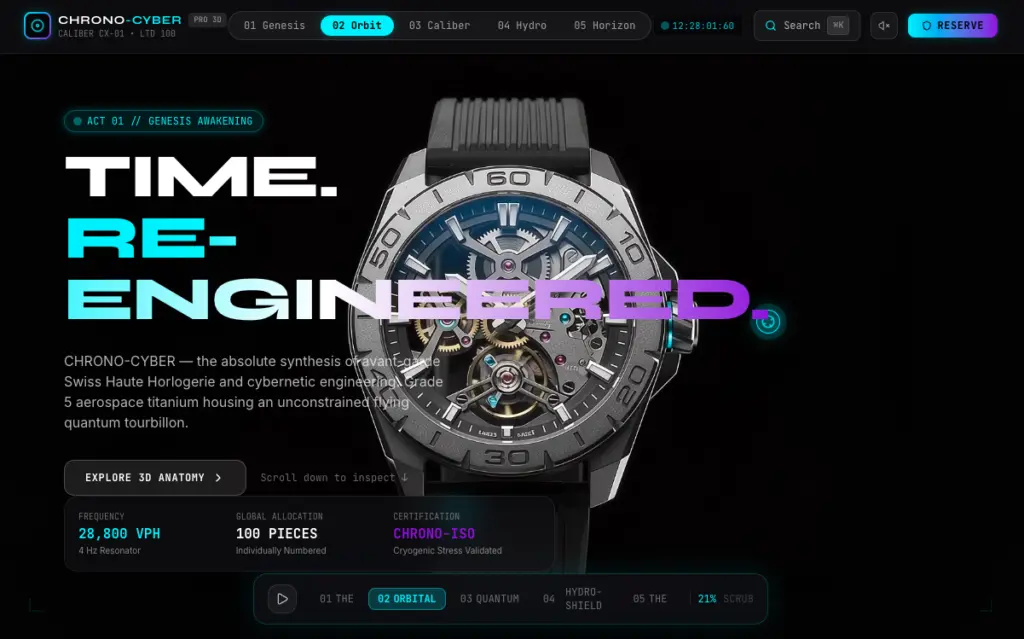
Each prompt built the demo you see. Try it on desktop, tablet and phone before you copy anything.
Honest labels
Every prompt shows the tool and model it was tested with, and whether the result was edited by hand.
Full source code
Get the GitHub repository to compare with your own result or deploy the finished version.
Frequently asked questions
Which AI tools do the prompts work with?
Each prompt lists the tool and model it was tested with, such as Antigravity. Most also work in Cursor, Claude Code and similar AI coding tools.
Are the prompts free?
Yes. Every prompt is free to copy without an account.
Why is an email needed for the source code?
The repository link is sent to your inbox so you can find it later, together with new prompts when they are published. You can unsubscribe at any time.
Will I get exactly the same result?
AI output varies between runs and models, so details will differ. The live demo and the source code show what the prompt produced when it was tested.
Can I use the code in a commercial project?
Each prompt page shows the code licence. Check it before you use the code in client work.